 Magezon Blog Help Merchants Build Comprehensive eCommerce Websites

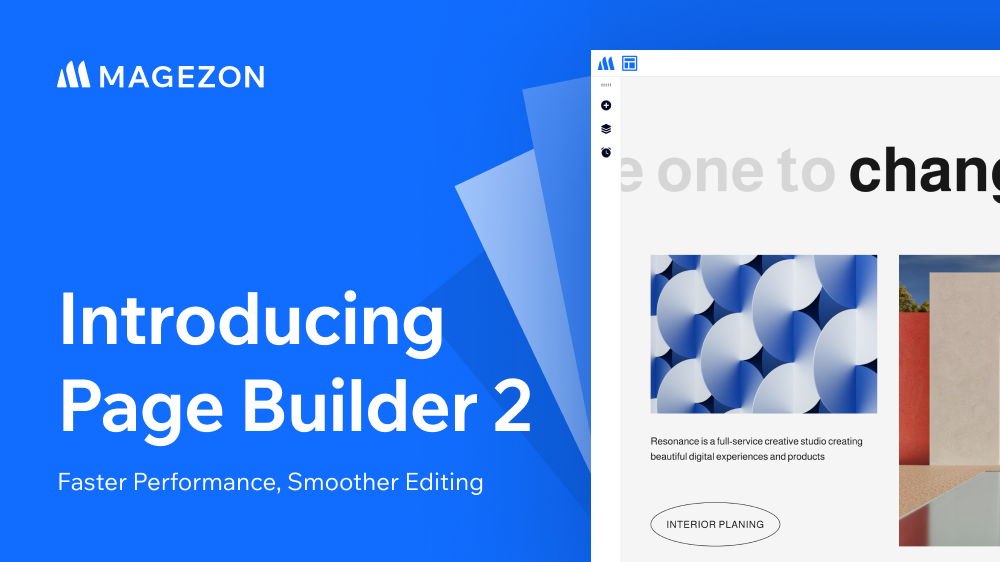
We’re excited to officially announce that Page Builder 2 for Magento 2 is now available 🎉
Over time, we’ve received consistent feedback from customers about the current builder experience — especially around performance and ease of use.
Instead of continuing to stack new features on top of an interface that needed rethinking, we chose to improve the builder experience first. Page Builder 2 is redesigned with performance in mind, delivering a faster and smoother editing experience for everyday content creation.
Table of contents
Built for Faster Performance

Performance was one of the biggest focuses for this release, driven by what our customers care about the most.
Page Builder loads components as needed rather than reloading the entire page. Additionally, we’ve significantly reduced the size of CSS and JavaScript files by removing unused code.
As a result, both the builder and the frontend load faster and feel lighter overall, especially for complex websites. Interactions are also quicker, smoother without lag or stuttering when dragging, adding blocks or making design changes.
A Modern, User-Friendly Builder Interface
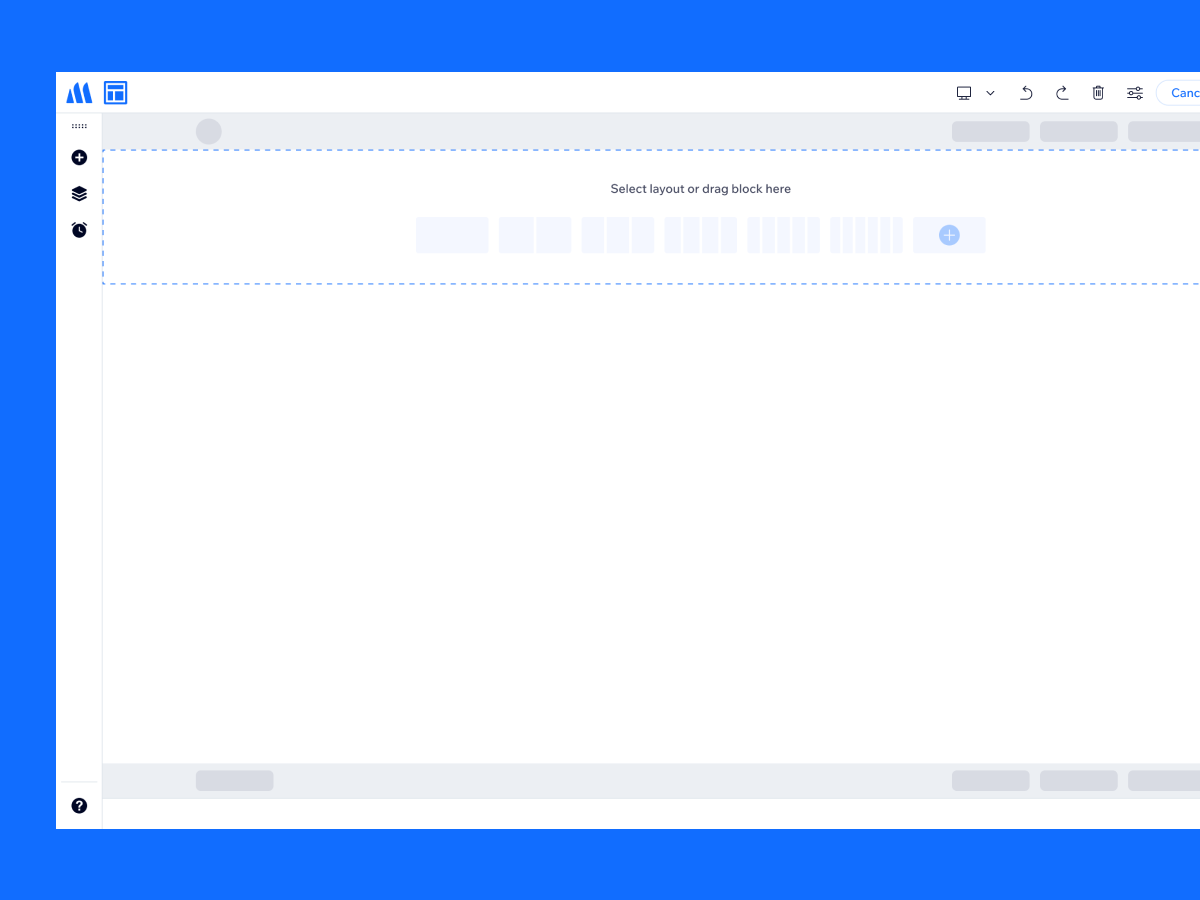
Page Builder 2 introduces a refreshed UI designed to be simple, flexible, and approachable. Everything is designed to feel lighter and easier to understand, helping you focus on building content instead of figuring out where things are.
The current builder still works well for users who are already familiar with it. However, we know it can feel a bit outdated and less friendly for new users. This new interface is built to lower that learning curve — without sacrificing flexibility for experienced users.
Works Alongside Other Builders
Existing content created with Magezon Page Builder 1 will display normally and continue to be edited with this version.
When you use Page Builder 2 to edit existing content built with Magento Page Builder, the content will be converted into a Text block in code format.
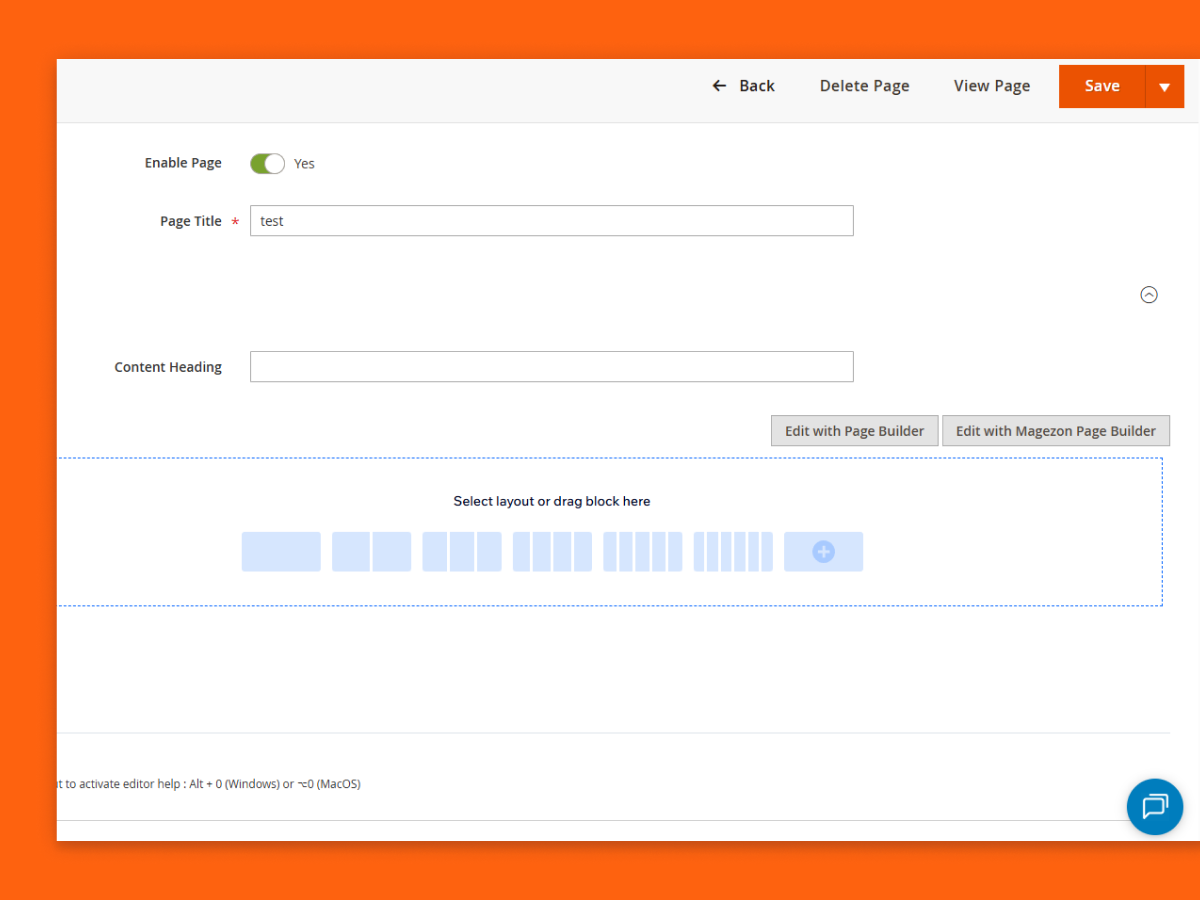
Note: At this stage, Page Builder 2 does not yet support converting existing content into its blocks.
Real-Time, Drag & Drop Editing
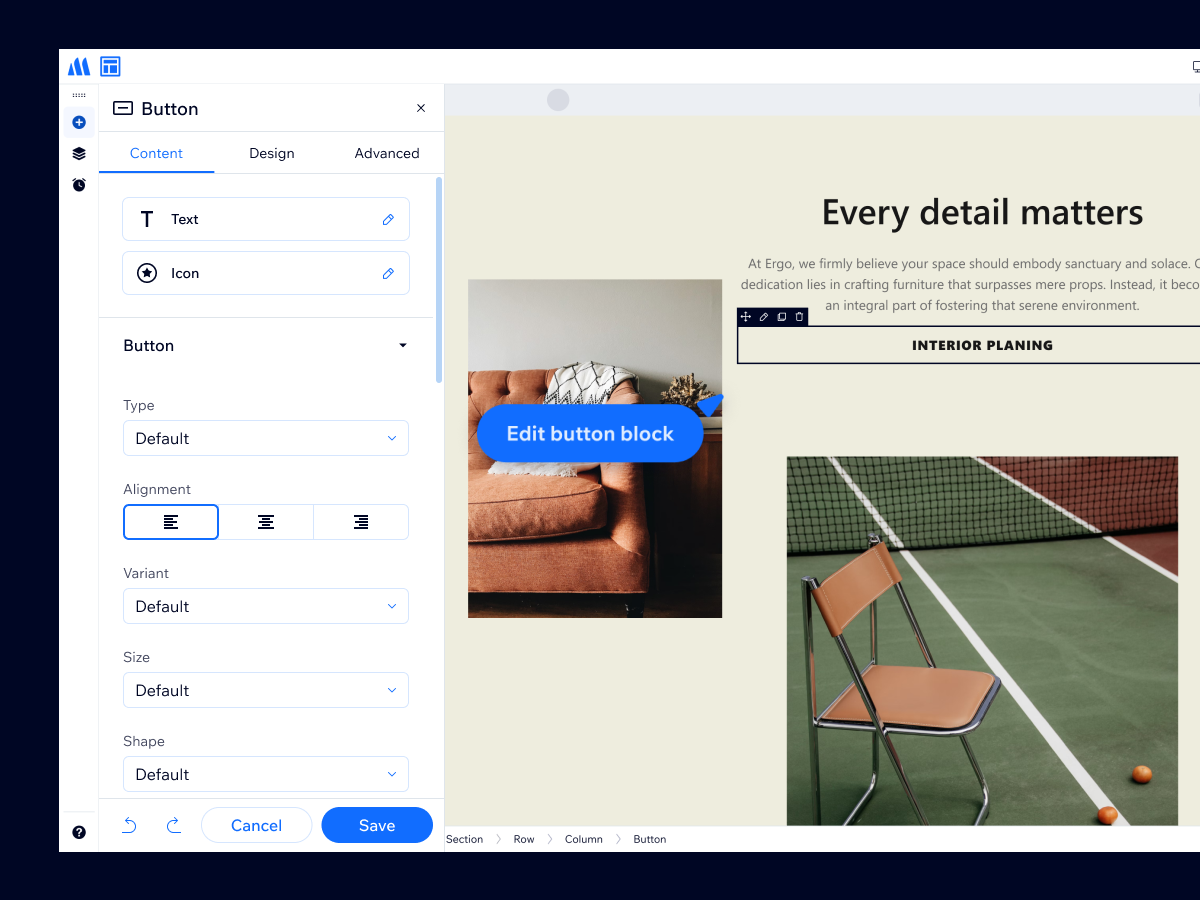
With Page Builder 2, changes are reflected immediately as you edit — no need to save just to see the result. This creates a more natural editing flow and helps you move faster when building or refining pages.
Compared to Page Builder 1, where settings to elements require saving before changes appear, this new experience can save a lot of time during everyday content creation.
The familiar drag-and-drop experience is still there, but now it feels noticeably quicker and smoother. Adding or moving happens with less delay and less friction.
Improved Responsive Controls
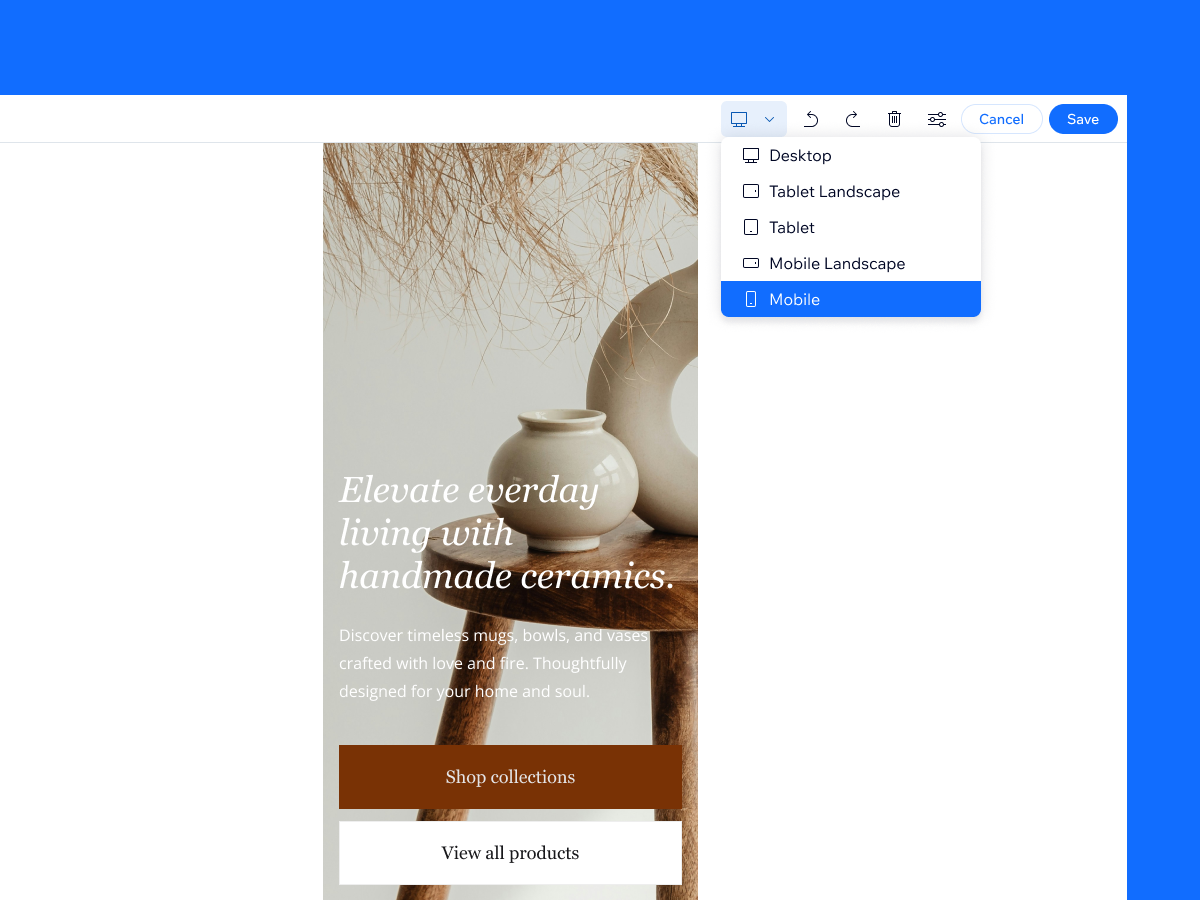
Responsive customization has also been improved to better reflect real-world workflows.
The new Page Builder offers:
- More options to customize content for each device
- Visual & intuitive device previews inside the builder
What you see while editing is much closer to what visitors will see on the frontend, making responsive adjustments more confident and predictable.
20+ Blocks, Refined for the New Builder
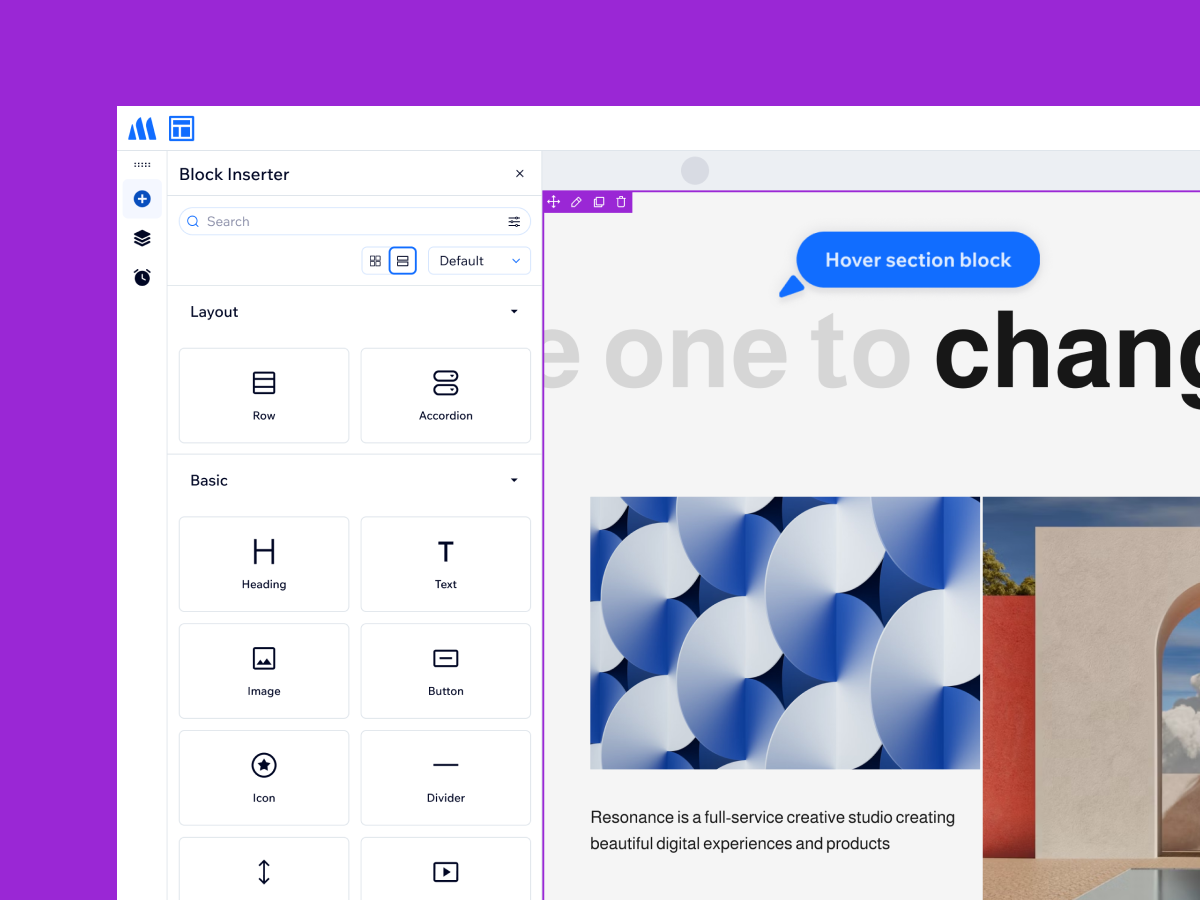
Page Builder 2 includes 20+ core blocks to help you build pages with a familiar foundation. In this version, we standardize the terminology — using “block” instead of “element” — to keep the builder more consistent and easier to follow.
Structurally, Section now serves as the top-level block and contains Rows, making layouts clearer and more organized. Most essential blocks are still available, while their settings and configuration panels have been refined to better match the new interface — simpler, cleaner, and quicker to work with.
Pricing & Upgrade Plan
Along with the release of Page Builder 2, we’re also making some important changes to how our builder products are priced and supported. Our goal is to keep things fair, sustainable, and aligned with how customers actually use and grow with Magezon products.
Moving to an Annual Subscription Model
We’re transitioning from a one-time purchase model to an annual subscription for Page Builder 2. The yearly cost is $169/year.
Continued Support for Page Builder 1
Page Builder 1 will continue to be supported for one more year, including maintenance and critical updates. After that period, it will no longer receive new feature development.
An Affordable Upgrade Path for Existing Customers
If you’re currently using Page Builder 1 and would like to upgrade to Page Builder 2, you should move to the annual subscription with a discounted upgrade price.
Content built with Page Builder 1 will remain unchanged and display normally. In the backend, you can continue editing it using Page Builder 1 only, not the new one. At this stage, the new version does not yet support converting existing content into its blocks.
A Solid Starting Point — More Improvements Coming
Page Builder 2 launches with a focused set of core capabilities rather than a long list of new features. We want to start with a clean, stable foundation — centered on performance and editing experience — and build forward from there.
Most essential blocks and workflows are already supported, so you can use the builder in real projects today. From this base, we’ll continue expanding features, refining behaviors, and adding more advanced capabilities over time.
Try it out, share your feedback, and stay tuned — more powerful features are on the way.