 Magezon Blog Help Merchants Build Comprehensive eCommerce Websites
Building pages in Magento shouldn’t feel repetitive.
If you’ve ever had to recreate the same layout multiple times, copy content manually, or rebuild pages from scratch — you know how time-consuming it can be.
That’s why we’re excited to introduce a powerful new feature in Magezon Page Builder 2 :
Import & Export
What is Import & Export?
The new Import & Export feature allows you to:
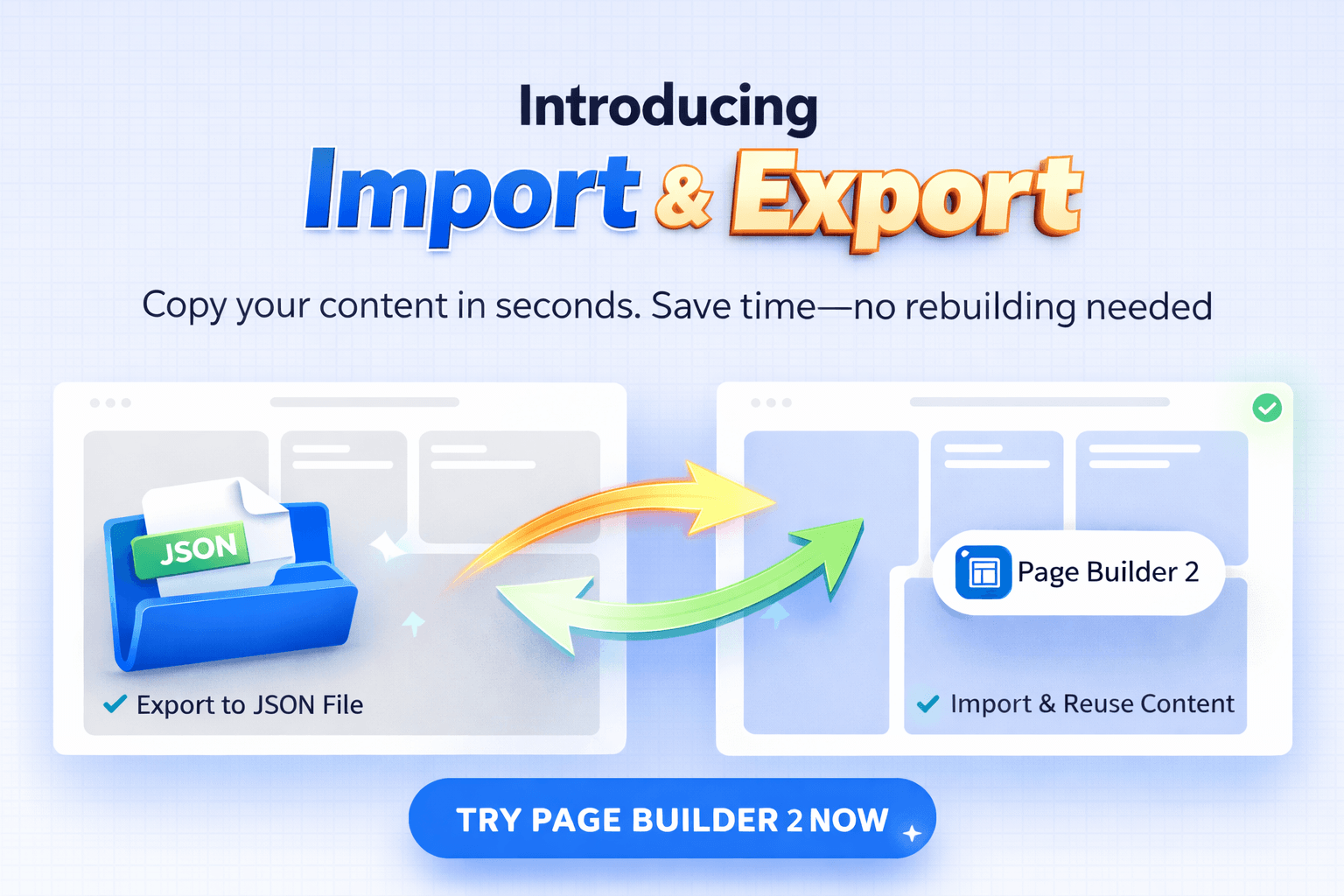
- Export a page created with Magezon Page Builder 2 to a JSON file
- Import that file into another page created with Magezon Page Builder 2.
- Reuse your layouts instantly — without rebuilding
In simple terms : Build once → reuse everywhere
Why this feature matters
1. Stop rebuilding pages
Before:
- Recreate the same layout again and again
- Copy content manually
- Spend hours on repetitive work
Now:
- Export your layout
- Import it anywhere
- Done in seconds
2. Save hours every week
Instead of starting from scratch, you can:
- Duplicate high-converting landing pages
- Reuse product page layouts
- Apply the same design across multiple pages
What used to take hours now takes minutes
How it works
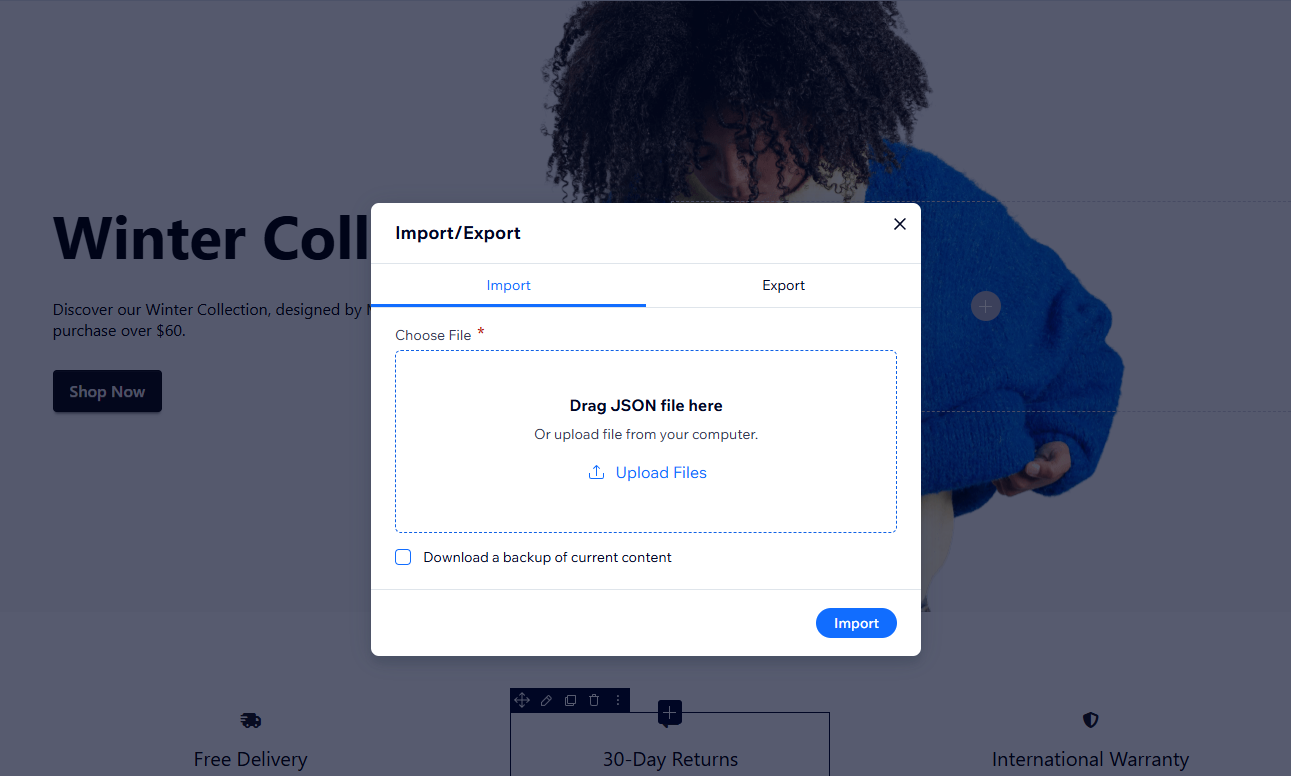
Using Import & Export is simple:
- Click on the Import/Export feature in the control panel: Click here
- Export your page or section (JSON file)
- Go to another page or content area
- Import the file
- Your layout is ready to use
No rebuilding. No manual copying.
Real use cases
1.Duplicate landing pages
Create one high-converting page → reuse it for multiple campaigns
2.Reuse product layouts
Apply the same structure across different product pages
3.Speed up content creation
Build faster without repeating the same work
What about Magezon Page Builder 1 users?
If you’re currently using Magezon Page Builder 1:
This feature is only available in Magezon Page Builder 2
But here’s the good news:
- You can upgrade without rebuilding your pages
- Your existing layouts stay exactly the same
So you can upgrade and start using Import & Export immediately.
