 Magezon Blog Help Merchants Build Comprehensive eCommerce Websites
Table of contents
The Magento ecosystem is constantly evolving, with merchants and developers looking for faster, more flexible ways to build high-performing storefronts. Page Builder 2 was created to help store owners design pages visually without relying heavily on developers.
At the same time, Hyvä Theme has quickly become one of the most popular frontend solutions for Magento thanks to its lightweight architecture and exceptional performance.
We’re excited to announce that Page Builder 2 is now compatible with Hyvä Theme, allowing merchants to combine the power of visual page building with the speed and performance that Hyvä delivers.
Why Hyvä Theme Matters
Hyvä Theme has gained significant traction in the Magento community for several reasons. It replaces Magento’s traditional frontend stack with a modern, simplified architecture that focuses on performance and developer experience.
Some key advantages of Hyvä include:
- Lightning-fast performance with significantly reduced frontend complexity
- Built using Tailwind CSS and Alpine.js, making development cleaner and more efficient
- Improved Core Web Vitals, which can positively impact SEO and user experience
- A growing ecosystem and strong adoption among Magento merchants and agencies
Because of these benefits, more Magento stores are migrating to Hyvä to improve site speed and overall storefront performance.
Page Builder 2 + Hyvä: What This Means for Users
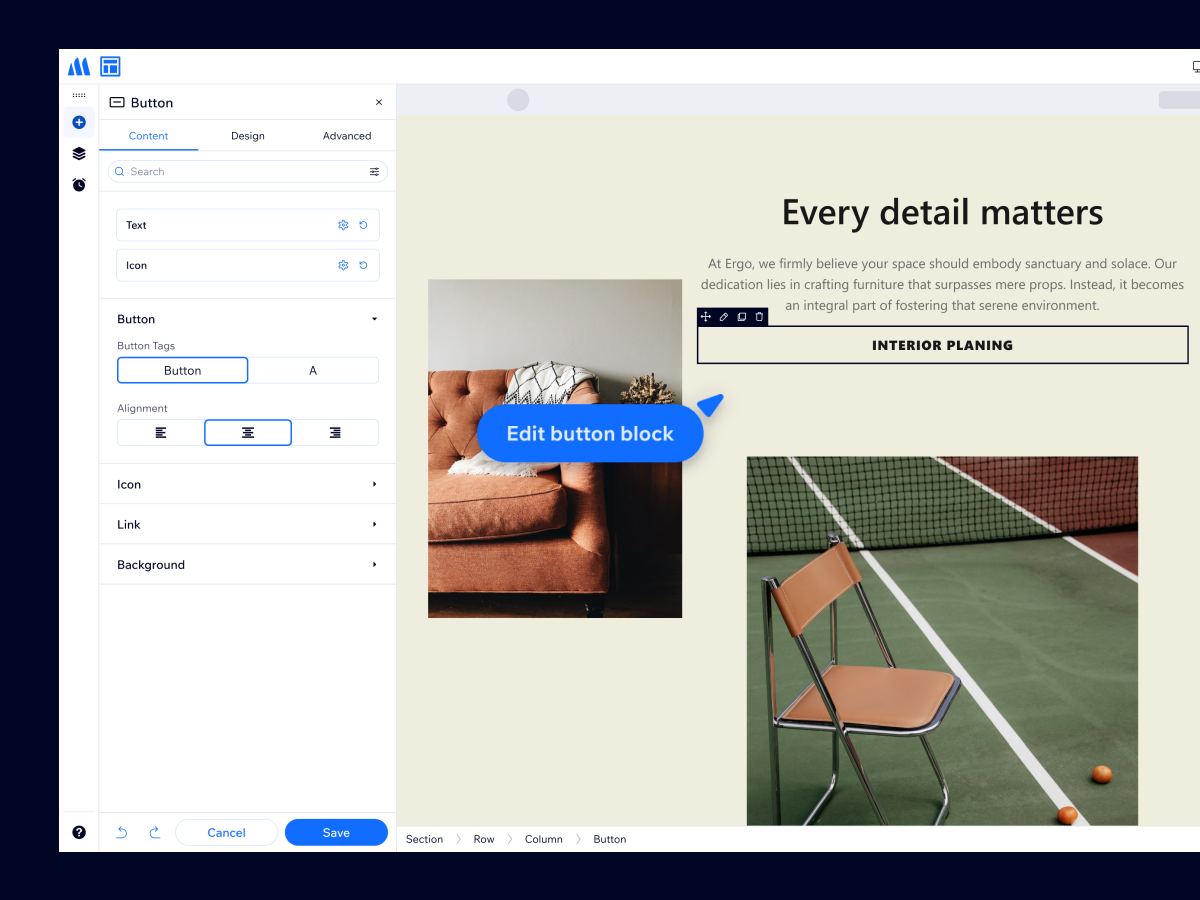
With the new compatibility between Page Builder 2 and Hyvä Theme, merchants can now enjoy the best of both worlds.
This integration enables users to:
- Build pages visually without writing code
- Maintain the performance advantages of Hyvä
- Create rich content pages quickly using drag-and-drop tools
- Empower marketing teams to manage layouts without developer support
Instead of choosing between performance and flexibility, merchants can now have both.
Getting Started
Getting started with Page Builder 2 on Hyvä Theme is simple:
Step 1: Purchase Page Builder 2 from our website (if you haven’t) and install it.
Step 2: Install a compatibility module to make Page Builder 2 work on this theme:
– Download the module, then unzip the file from the root directory to apply the module.
– Run the below commands to install the module:
- bin/magento module:enable Hyva_MagezonPageBuilder2
- bin/magento setup:upgrade
- bin/magento setup:di:compile
- bin/magento cache:flush
Once enabled, you can immediately begin designing pages that combine the visual flexibility of Page Builder with the performance of Hyvä.
Try Page Builder 2 with Hyvä Today
If your Magento store uses Hyvä Theme, now is the perfect time to start building pages with Page Builder 2.
Create beautiful, high-performing storefront pages faster than ever—without sacrificing speed or flexibility.
Stay tuned for more updates and improvements as we continue expanding our Hyvä compatibility.